UNINET® Blog
| FEATURE NEWS
What is white underprint printing and why do I need it?
A closer look at both printing methods

Sample image showing white underprint in use on a clear label
White underprint is a layer of white toner printed beneath color so the color stays opaque and true on dark, clear, or metallic media. Without it, colors on clear labels get lost against dark surfaces. UNINET IColor toner-based printers can produce white underprint in a single pass, which means the technique is achievable in-house rather than through an outside service.
What does white underprint actually do in a print?
White underprint is a white layer applied first, with color printed on top of it. The white layer acts as a base that blocks the substrate color from bleeding through the printed design.
Standard laser toner and inkjet inks are not opaque, so whatever sits behind a clear label shows through the color. A forum respondent on the OnlineLabels forum confirmed that printing white ink is not an option with any standard desktop printer, whether laser or inkjet. The white layer is what makes the color visible rather than translucent.
White underprint blocks the substrate color so full-color graphics read correctly on dark media. According to UNINET IColor, white underprinting allows printing graphics on clear or dark surfaces without needing heat pressing. This makes it a direct-print solution rather than a transfer workflow.
Why do colors disappear on clear labels without a white layer?
Color printed directly on clear film has nothing behind it, so it picks up the color of whatever surface the label is applied to. The printed area becomes translucent because the inks themselves lack opacity.
A practical example is a clear label placed on a dark bottle or dark packaging. The design goes muddy or invisible because the dark substrate shows through every non-white color in the print. According to UNINET IColor, without white underprint, colors on a clear label get lost when the label is placed on a dark surface.
A forum respondent stated that white ink is not an option on any standard desktop printer, laser or inkjet. The white layer is what restores the intended color values by giving the ink a neutral, opaque base to sit on.
When should you use white underprint versus white overprint?
White overprint is white printed last, which suits transfer applications where the white layer faces the garment or substrate after pressing. White underprint is white printed first, which suits direct printing on dark or clear media where the color must sit on top of the white base. In most cases when you are "mirror" printing you should configure your system for overprint because the printed sheet will be used as a transfer, and when "right side reading" printing, you would typically use white underprint (when you are printing on the actual final substrate, like a clear label, wedding invitation, dark sign).
The IColor 650 can perform both white overprint and white underprint in one pass using the same printer, according to UNINET IColor. The difference is the order of the white layer relative to the color, not a different machine. This flexibility means one printer can serve both transfer production and direct-to-media label work.
How does an iColor white toner printer switch from overprint to underprint?
UNINET IColor toner-based printers are all capable of white underprint in one pass. On the IColor 650, moving the white cartridge from the printer's rear to the front makes the printer lay white down first instead of last.
This produces a white layer underneath the color in a single printing process with registration held by the machine. The printer controls the pass order, so the white and color layers align precisely without manual alignment steps.
The IColor 650 ships with a fluorescent white toner cartridge and drum. It also includes black toner and a drum so the machine can convert to CMYK mode when white is not required. That conversion is useful for standard full-color jobs on white or light media.
What can you print with white underprint on dark and clear media?
White underprint supports bright white and fluorescent elements on dark stock, such as restaurant menus or wedding invitations, where the white must stay white rather than picking up the paper color. The white base keeps those elements crisp and high-contrast.
Full-color graphics on dark media also benefit because the white blocks the substrate so colors stay accurate. Without the white layer, dark media shifts every color darker and duller.
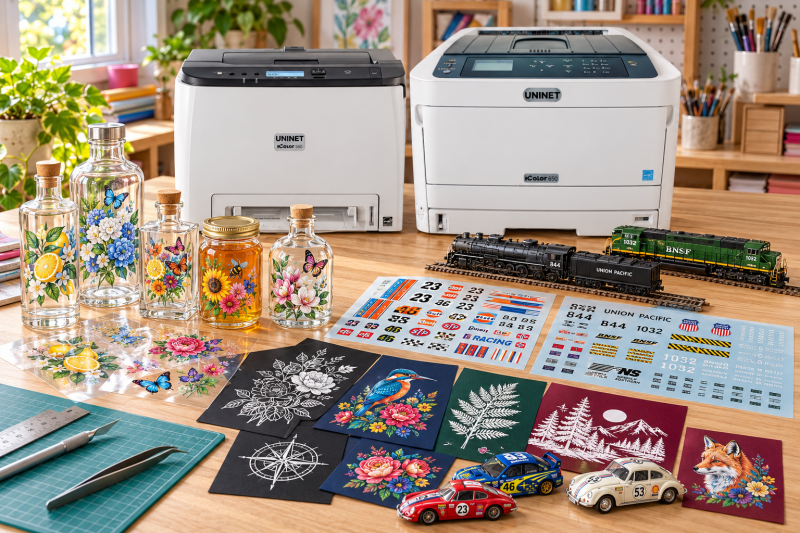
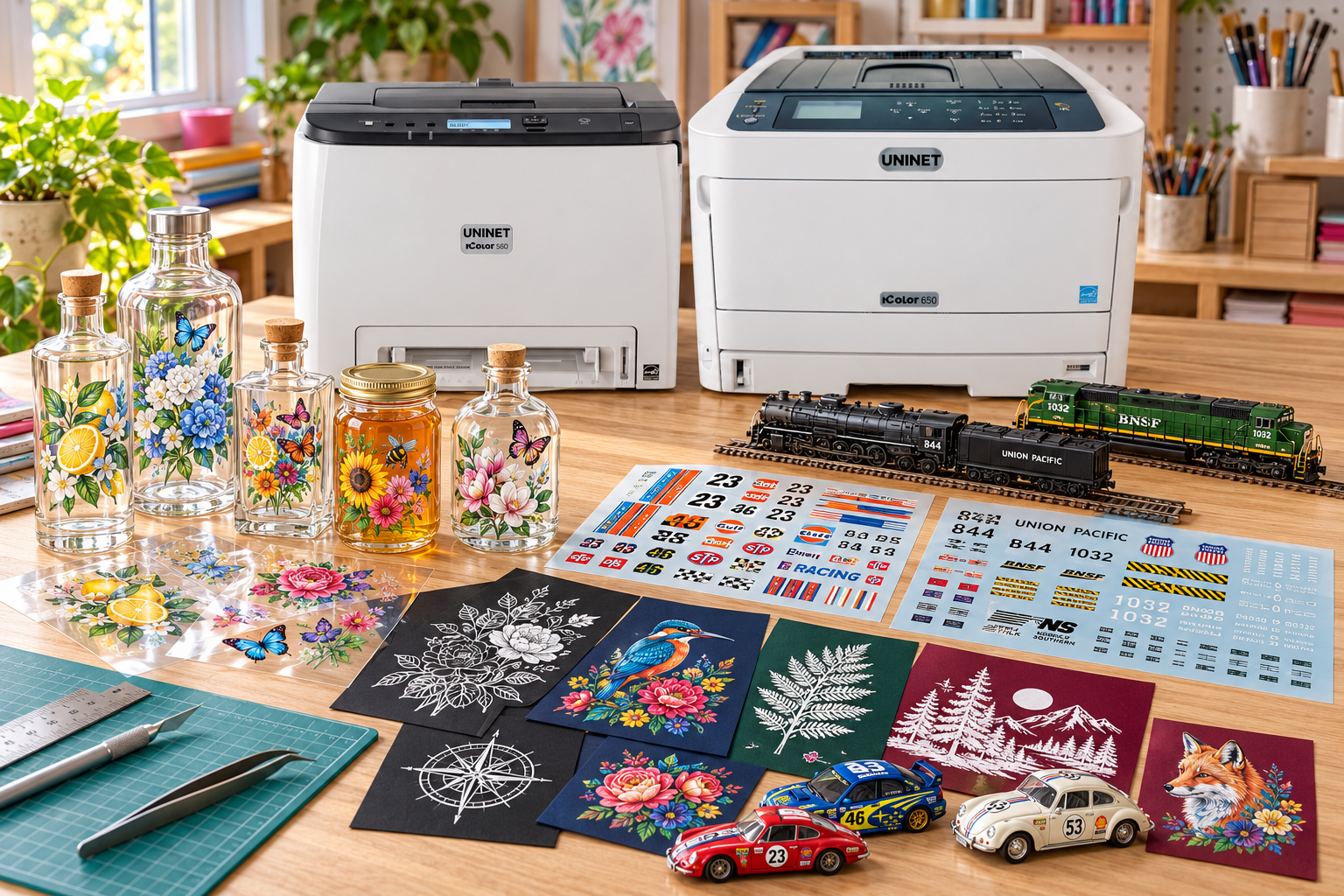
Clear labels for cosmetics and similar products can use white underprint selectively. Waterslide decals used in the model industry or even for nail art are also very popular applications!
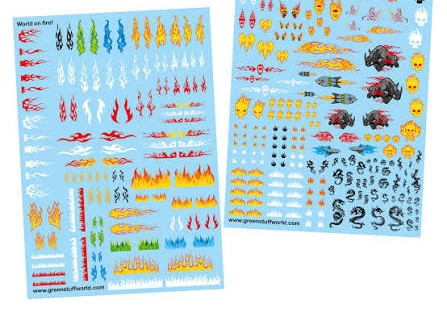
Waterslide/Aquaclear graphics printed using White Underprint on an iColor 650
What should you check before buying a printer for white underprint?
Confirm the specific model supports white underprint. The most common models for this application are the UNINET iColor 560 or iColor 650 printer.
Some white toner models ship with a regular white cartridge rather than fluorescent white. The IColor 650 ships with a fluorescent white toner cartridge and drum, while some other white toner models include a regular white cartridge. A missing black cartridge may require a separate purchase plus a firmware upgrade and new drivers on certain models. The IColor 650 includes black toner and drum, which allows conversion to CMYK mode when white is not needed.
A vinyl cutter in the $200 to $500 range, such as a Silhouette Cameo or Cricut Maker, is the typical companion for turning printed sheets into finished stickers.
Key Takeaways
White underprint is a white toner layer printed beneath color so the color stays opaque on dark, clear, or metallic media.
Without white underprint, colors on a clear label get lost once the label is placed on a dark surface.
Standard laser toner and inkjet inks are not opaque, and no standard desktop printer offers white ink.
The IColor 340, 540, 560 and 650 can do both white overprint and white underprint in one pass by moving the white cartridge from the rear to the front.
White underprint allows printing on clear or dark surfaces without heat pressing.
On the IColor 650, black toner and drum are included so the machine can switch to CMYK mode when white is not required.